



Visual privacy mechanisms in the Binance interface: How to hide Binance wallet balance
Binance provides a native privacy feature that masks your total asset value with asterisks, preventing onlookers from seeing your portfolio size. This tool is accessible directly from the main dashboard and serves as a primary defense against shoulder surfing in public spaces. For a complete Binance wallet privacy settings guide, explore our resources.
Activating the balance mask
To enable this privacy setting, locate the eye icon positioned next to your total balance display on the main dashboard. Clicking this icon immediately toggles the visibility of your assets, replacing numerical values with a series of dots. You must perform this action manually on every new session, as the platform defaults to showing your balance for ease of navigation.
Platform-specific limitations for balance concealment
The balance masking feature is not a global account setting but rather a local interface preference. This means that enabling the mask on your desktop web browser does not automatically apply the same privacy constraint to your mobile application or a different browser instance.
Mobile app vs web browser behavior
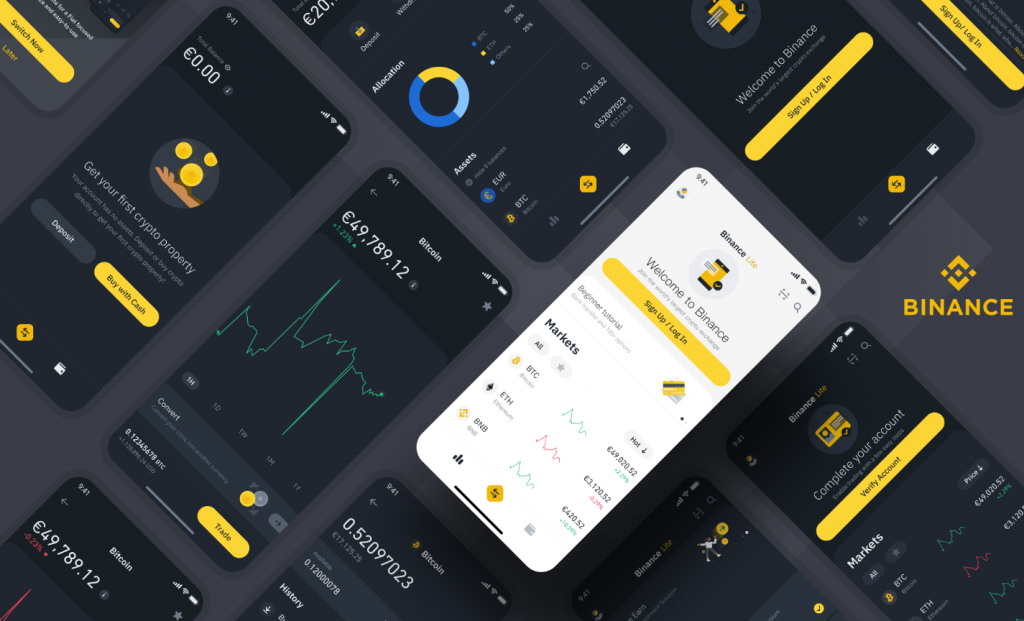
The Binance mobile app often retains the mask state if you have enabled it within the app’s settings menu under the security or display preferences. However, web browser sessions rely on local storage and cookies. If you clear your browser cache or open an incognito window, the platform will revert to its default visible state, requiring you to re-enable the mask manually.
Troubleshooting persistent balance visibility
If your balance remains visible despite your attempts to hide it, the issue usually stems from browser-level data conflicts or outdated application versions. For general Binance wallet troubleshooting, consult our guide. The interface relies on JavaScript to render the masked view; if this script is blocked or cached incorrectly, the mask may fail to trigger.
Cache and session synchronization issues
Clear your browser’s cache and cookies to ensure the latest version of the Binance dashboard is loaded. Additionally, check for any browser extensions that might be interfering with the site’s rendering, such as ad blockers or privacy-focused scripts that inadvertently strip the masking functionality. On mobile, ensure you are running the latest version of the Binance app from the official app store, as older versions may lack consistent privacy toggles.
Advanced browser privacy configurations
If you use privacy-hardened browsers like Brave or Firefox with strict tracking protection, the Binance interface might occasionally fail to persist your masking preference. In these cases, ensure that ‘binance.com’ is added to your browser’s whitelist for local storage. Without persistent local storage permissions, the browser will treat every page refresh as a new session, forcing the balance to reappear.
Security risks of public wallet exposure
Displaying your full portfolio value in public environments creates a significant target for social engineering and physical surveillance. Malicious actors observing your screen can gain insights into your financial status, making you a potential subject for targeted phishing attacks or physical coercion.
Mitigating social engineering and physical surveillance
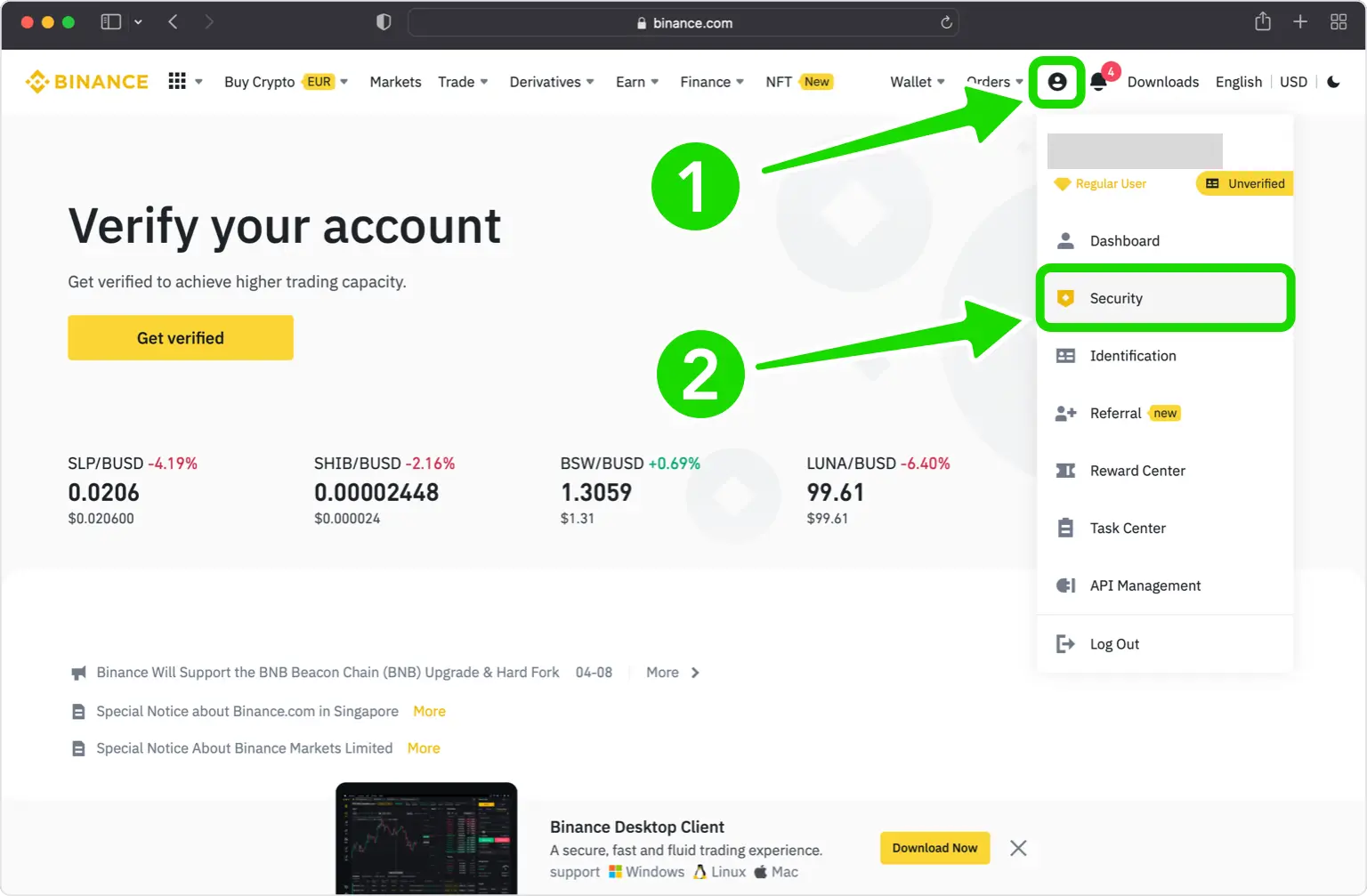
Adopt a habit of toggling the balance mask before opening the app in any shared space, such as coffee shops or public transit. Treat your digital asset display with the same caution as you would a physical bank statement. Beyond masking, ensure you have enabled two-factor authentication (2FA) and consider using a dedicated device for financial transactions to minimize the risk of exposure.
Operational security beyond the interface
Masking your balance is a surface-level privacy measure. For higher security, avoid logging into your exchange account on public Wi-Fi networks without a reputable VPN. If you must check your balance in public, use a dedicated ‘watch-only’ wallet app that tracks your public addresses on the blockchain without requiring you to log into your primary exchange account. This prevents your credentials from being exposed while still allowing you to monitor your portfolio performance. For enhanced privacy, a Binance vs hardware wallet privacy comparison can guide your self-custody planning.
Alternative Privacy Strategies for Portfolio Monitoring
Beyond the native interface mask, users can employ third-party portfolio trackers to monitor assets without logging into the exchange. Tools like CoinStats or Delta allow you to sync your Binance API keys in ‘read-only’ mode. By using these apps, you can view your total balance on a separate, password-protected interface that does not display your full exchange account credentials, effectively isolating your sensitive trading data from casual observers.
Using API keys for read-only access
When setting up an API connection for a tracker, ensure you only enable ‘Read’ permissions. Never grant ‘Withdrawal’ or ‘Trade’ permissions to third-party apps. This configuration ensures that even if the tracker app is compromised, your actual funds remain secure on the exchange, while your balance remains hidden from the main Binance dashboard during public use. If you are exploring Binance Web3 wallet privacy settings for dapps, remember that managing permissions is just as critical as masking your exchange balance.
Frequently Asked Questions
Binance access to private keys
No, Binance is a custodial exchange, meaning they hold the private keys to the wallets on their platform. You do not have access to the private keys for your Binance wallet, which is why it is considered a custodial service.
Methods for enhancing Binance account privacy
You can improve privacy by enabling the balance mask, using 2FA, and avoiding public Wi-Fi when accessing your account. Additionally, consider moving long-term holdings to a non-custodial hardware wallet. If you need to clean up your connections, learn how to disconnect Binance Web3 wallet from dapps to ensure no unauthorized access remains.
Safety considerations for large balance storage
While Binance uses high-level security measures, keeping large amounts on any exchange carries counterparty risk. It is generally recommended to store significant holdings in a private, non-custodial wallet where you control the keys. For those new to self-custody, learning how to set up a hardware wallet is a crucial first step.
Device management and removal procedures
Go to your account security settings, select ‘Device Management,’ and you will see a list of authorized devices. From there, you can remove any device that is no longer in use or unrecognized.
Data sharing policies with regulatory authorities
Binance complies with legal requests from law enforcement agencies in jurisdictions where they operate. They share user data when required by valid court orders or applicable laws.


