



Identifying indicators of malicious pull requests: How to report malicious pull requests on GitHub
Malicious pull requests often masquerade as minor bug fixes or documentation updates to bypass automated security scanners. Detecting these threats requires a manual review of the diff, focusing on unexpected changes in build scripts, environment variable access, or obfuscated logic that deviates from the project’s established coding style.
Common obfuscation techniques in code contributions
Attackers frequently employ techniques to hide malicious payloads within seemingly benign code. One common method is the use of base64-encoded strings or hex-encoded byte arrays that are decoded and executed at runtime via functions like eval(), exec(), or setTimeout().
By splitting these strings across multiple lines or concatenating them through complex variable assignments, attackers attempt to evade static analysis tools that look for specific keyword signatures. Another tactic involves the use of homoglyphs—characters that look identical to standard ASCII characters but belong to different Unicode sets—to create deceptive variable names or function calls.
Additionally, attackers may inject malicious code into rarely executed branches or nested conditional statements. This ensures the payload remains dormant during standard automated testing but activates in specific production environments.
Analyzing suspicious dependency changes
Dependency manifest files such as package.json, requirements.txt, or go.mod are primary targets for supply chain attacks. A malicious pull request may introduce a new, obscure package that mimics the name of a popular library, a technique known as typosquatting. For example, an attacker might replace a legitimate dependency like requests with a malicious version named request-lib.
When reviewing these files, look for unauthorized version bumps that deviate from the project’s semantic versioning policy. If a pull request includes a change to a postinstall script or a build hook within package.json, treat it as a high-severity indicator. These scripts execute automatically upon installation, providing an ideal vector for exfiltrating environment variables, SSH keys, or cloud credentials.
Always verify that the source repository for any new dependency is the official, verified project page rather than an unverified fork or a recently created account.
Reporting malicious pull requests on GitHub through official channels
When you identify a pull request containing obfuscated malicious code, dependency confusion attacks, or credential harvesting scripts, immediate action is required to protect the repository and its contributors. GitHub provides a structured mechanism to flag these threats directly within the interface, ensuring that the security team can isolate the malicious actor and prevent further propagation.
Utilizing the report repository feature
To initiate a formal security report, navigate to the specific pull request page that contains the suspicious activity. Locate the three-dot menu (ellipsis) in the top right corner of the pull request header. Select Report content from the dropdown menu.
This action triggers a guided workflow where you must categorize the report. Choose the option that best fits the threat, such as Malicious code or Spam/Abuse. By using this official channel, your report is automatically associated with the repository’s metadata, allowing GitHub’s automated systems and human moderators to assess the risk level of the account responsible for the submission.
Documenting evidence for security triage
Speed is essential, but the quality of your report determines how quickly GitHub’s security team can intervene. To ensure your submission is prioritized, include these specific data points in the optional comment field:

- Commit hashes: Provide the specific hashes of the malicious commits to allow for rapid diff analysis.
- File paths: Identify the exact files containing the payload, especially if the code is hidden within seemingly benign configuration files like
package.jsonor.github/workflows/. - External references: If the pull request attempts to fetch data from an external URL, include that URL so the security team can block the domain.
- Behavioral description: Briefly explain what the code does, such as “attempts to exfiltrate environment variables to a third-party server.”
Avoid speculative language. Stick to technical observations, as this allows the triage team to verify the threat signature against their internal threat intelligence databases without needing to reverse-engineer the entire submission from scratch.
Coordinating with project maintainers
When you identify a malicious pull request, direct communication with project maintainers is the most efficient way to mitigate risk before a threat actor gains unauthorized access to the repository. Maintainers often lack the bandwidth to monitor every contribution, so providing a clear, evidence-based summary of your findings is essential. If you suspect a pull request contains obfuscated malware or a dependency confusion attack, avoid discussing the technical details in public comments where the attacker might see them.
Opening a private security advisory
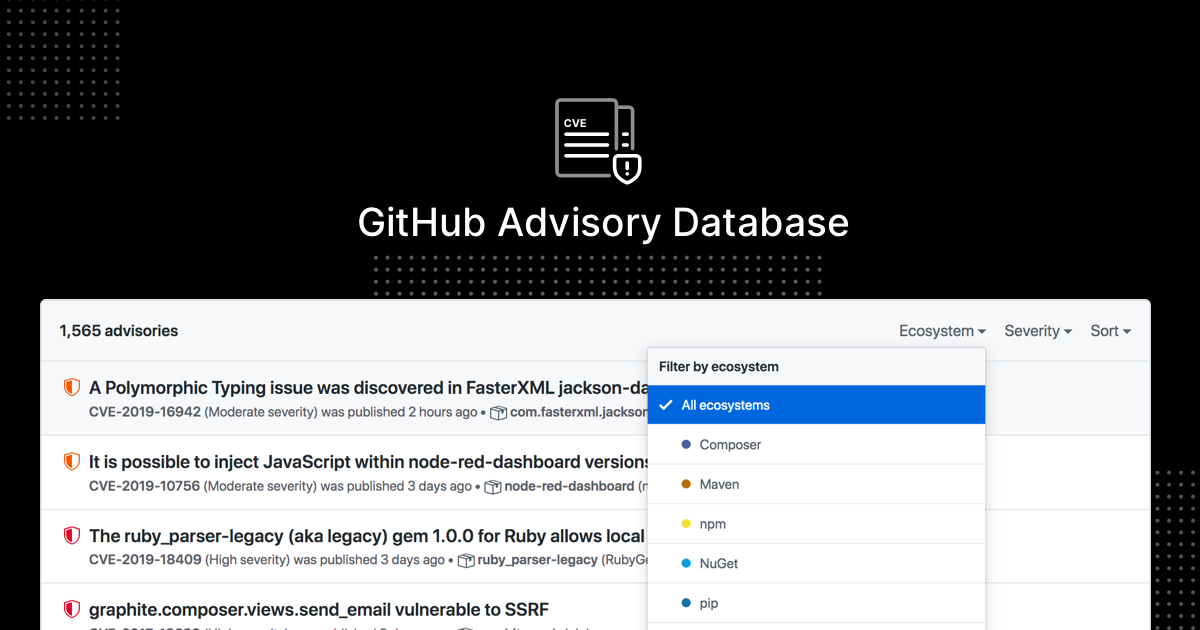
GitHub Security Advisories (GHSA) provide a secure, private channel to report vulnerabilities directly to repository owners. This mechanism prevents the attacker from learning that their exploit has been discovered, buying time for the maintainers to audit the code and revoke compromised credentials.
To initiate this process, navigate to the Security tab of the repository. Under the Vulnerabilities section, select Draft a new security advisory. Ensure you provide the following components to help maintainers act quickly:
- Impact Analysis: Explain exactly what the malicious code does, such as exfiltrating environment variables (e.g.,
process.env) or installing unauthorized background processes. - Proof of Concept: Include specific file paths and line numbers where the malicious logic resides.
- Affected Versions: Identify if the pull request has already been merged into specific branches or tags.
- Remediation Steps: Suggest immediate actions, such as rotating API keys or auditing recent CI/CD logs for unauthorized execution.
Once submitted, GitHub creates a temporary private fork where you and the maintainers can collaborate on a fix without exposing the vulnerability to the public. If the maintainers do not respond within 48 hours, you may escalate the report through GitHub’s official support channels or the repository’s SECURITY.md file, which often lists preferred contact methods for critical issues. Always maintain a professional tone and focus on the technical evidence, as this increases the likelihood that maintainers will prioritize your report over standard feature requests or bug reports.
Limitations and scope of GitHub security reporting
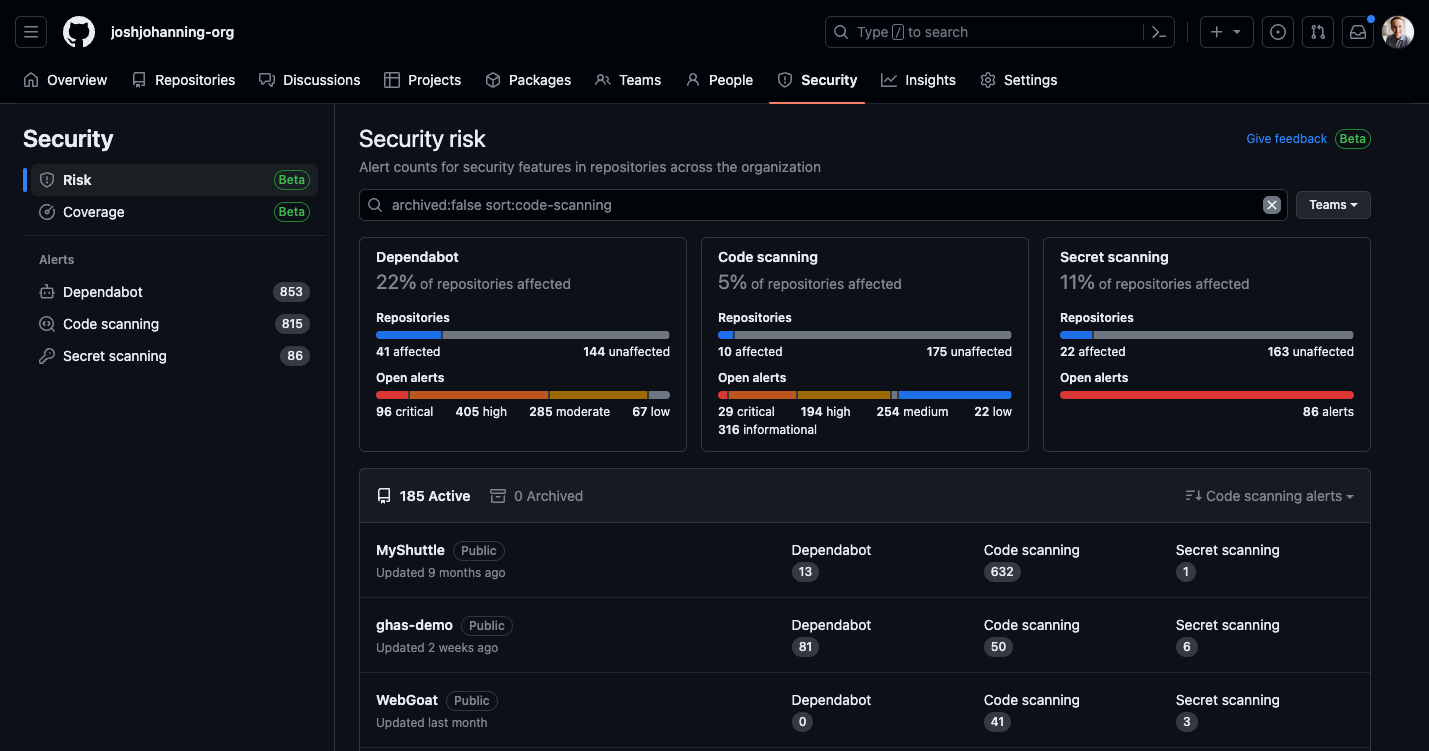
Reporting a pull request is not a catch-all solution for every grievance on the platform. GitHub’s security team prioritizes reports involving active supply chain attacks, such as credential harvesting, obfuscated malware execution, or unauthorized dependency injection. If a pull request contains low-risk bugs, poor coding practices, or general disagreements, GitHub will typically close the report without action, as these are considered project management issues rather than security threats.
Distinguishing between malicious code and policy violations
Understanding the boundary between platform abuse and software supply chain threats is essential for effective reporting. Malicious code involves technical exploits designed to compromise infrastructure or steal data. Examples include hardcoded API keys, backdoors in build scripts, or malicious post-install hooks in package.json files. When you identify these, use the “Report content” feature specifically selecting the “Malicious code” category.
Conversely, policy violations often relate to the GitHub Terms of Service rather than direct code execution risks. This includes spam, harassment, hate speech, or the distribution of copyrighted material. While these are harmful, they are handled by the Trust and Safety team rather than the security engineering team. Reporting a policy violation through the security vulnerability form can delay the investigation process, as the ticket must be manually routed to the correct department.
Before submitting a report, verify the intent of the contributor. If a pull request introduces a dependency that is known to be compromised, provide the specific CVE identifier or a link to the security advisory. GitHub’s automated scanners, such as Dependabot, often catch these automatically. If you are reporting a manual bypass of these scanners, include a clear explanation of how the malicious code circumvents existing security controls. Providing this technical context allows the platform to triage your report significantly faster than a vague claim of suspicious activity. Developers should also be aware of tax reporting for tokenized assets in the US if their projects involve financial instruments.
Frequently Asked Questions
Fastest methods for reporting a malicious pull request on GitHub
The fastest method is to use the ‘Report content’ feature directly within the pull request interface. Navigate to the conversation tab, click the three-dot menu (ellipsis) on the suspicious comment or the PR itself, and select ‘Report content’ to flag it for GitHub’s Trust & Safety team. If you encounter a binance wallet signature request failed error while managing assets, ensure you are not interacting with malicious scripts.
Protocol for handling malicious pull requests prior to reporting
No. It is recommended to keep the pull request open or closed but not deleted until GitHub has reviewed the report. Deleting the PR may remove critical evidence needed for their investigation into the malicious actor’s account. Users who have suffered financial losses due to such exploits should learn how to report tokenized asset losses on taxes to mitigate the impact.


